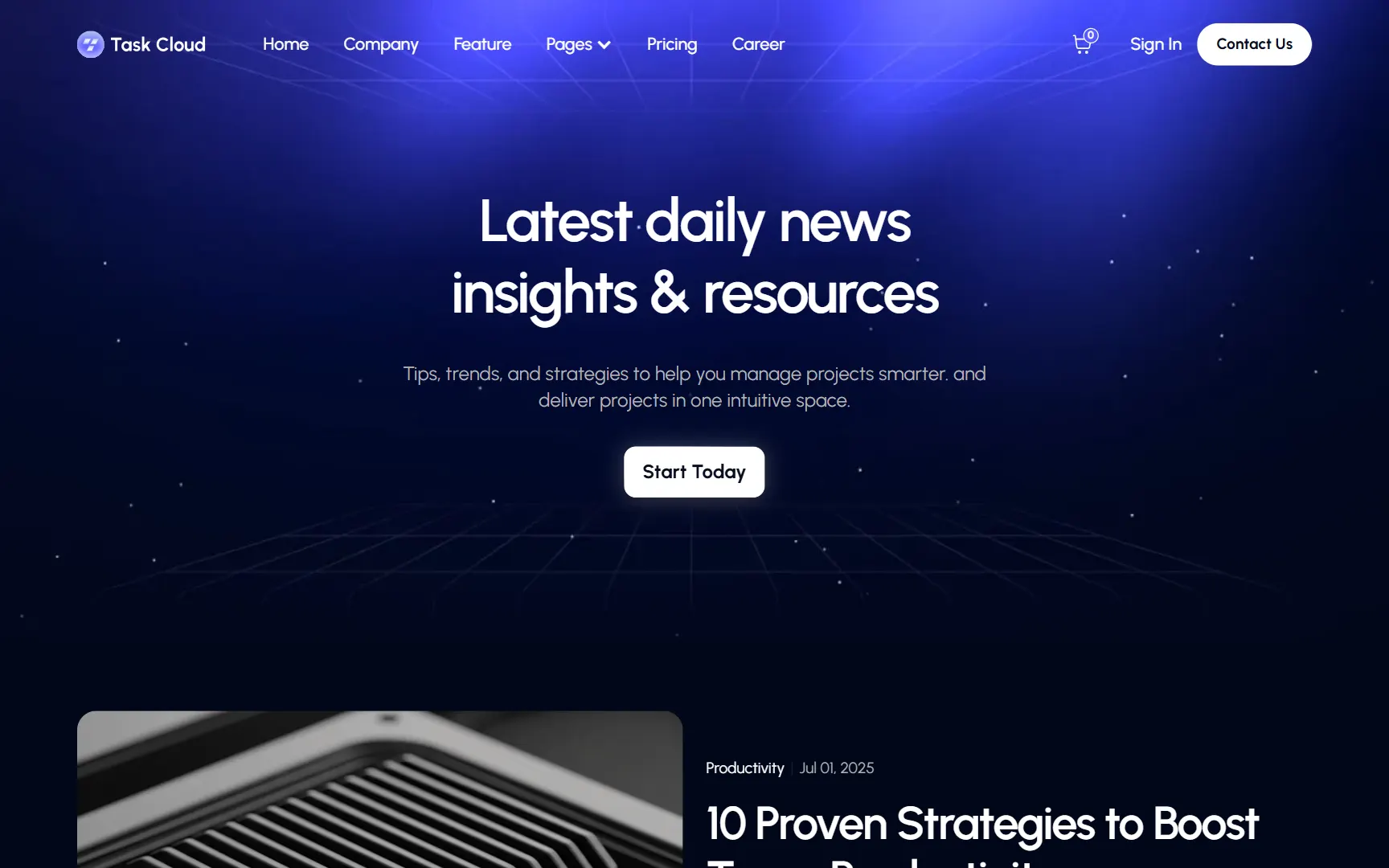
Task Cloud: Project Management Website Template for Webflow
Task Cloud is a dark project management website template for Webflow, designed and built by Flownix. It is the marketing website for your project management software: a bold homepage, a features page, CMS integration pages, pricing plans, an about page, a blog, careers, and ready-made login, sign up, download, coming soon and early access pages.
The design pairs a deep navy canvas with an indigo accent, product dashboard visuals and a moving partner marquee, so your SaaS feels polished from the first scroll. Integrations, blog posts and job openings run on the Webflow CMS, and the pricing plans are set up as Ecommerce products, so you can grow the site without touching code.
[IMAGE: Task Cloud homepage hero (Image 1)]
What's Inside the Task Cloud Template
Task Cloud is one of the most complete SaaS templates in the Flownix range, with 28 pages ready to edit in the Webflow Designer.
- Main pages: Home, About, Features, Integration, Pricing, Blog, Career and Contact
- CMS template pages: Integration Single, Blog Single and Career Single
- Ecommerce pages: Pricing Single (three plans), Checkout, Order Confirmation and PayPal Checkout
- Product launch pages: Login, Sign Up, Download, Coming Soon and Request Early Access
- Legal pages: Privacy Policy, Terms & Conditions and Cookie Policy
- Utility pages: 404, Password, Style Guide, License and Changelog
- Free Figma file with the same design
Every page is responsive and shares one style system, so brand changes carry across the whole site.
A Homepage Built to Sell Project Management Software
The Task Cloud homepage tells your product story in the order buyers need it:
- Hero: a bold promise, a short supporting line, two call-to-action buttons and a trust line for startups and enterprises
- Why it's different: six benefit cards such as no manual updates, faster shipping, custom workflows and built-for-developers tooling
- Core tools: four feature cards for task automation, smart tracking, AI assistants and automated reports
- Integrations marquee: a moving row of connected tools with short descriptions
- Testimonials: a scrolling wall of customer quotes
- Closing CTA and newsletter: a final call to action, a newsletter signup and a full footer
[IMAGE: Task Cloud homepage features and testimonials sections (Image 2)]
A Features Page for Task and Project Management
The Features page explains your product in clear blocks: smart task management with lists, Kanban boards and workflows; time tracking and reporting; visual project tracking with Gantt charts and milestones; file sharing; and real-time collaboration. A visibility section covers priorities, custom workflows and goal tracking, and an Upcoming Features grid previews what is next. It reads like a full task management website template, not just a feature list.
[IMAGE: Task Cloud features page and integrations page (Image 3)]
CMS Integration Pages for Your App Ecosystem
Teams choose a project tool that fits their stack. The Integration page lists connected apps as cards with a short description and a category tag such as Communication, Management, Analytics or Automation. Eight sample integrations are included.
Each card opens an Integration Single page with an overview, step-by-step setup instructions, an Integrate Now button and a More Integrations row. Integrations live in the Webflow CMS, so adding a new partner takes one new item, not a new page.
An About Page With Values and Team
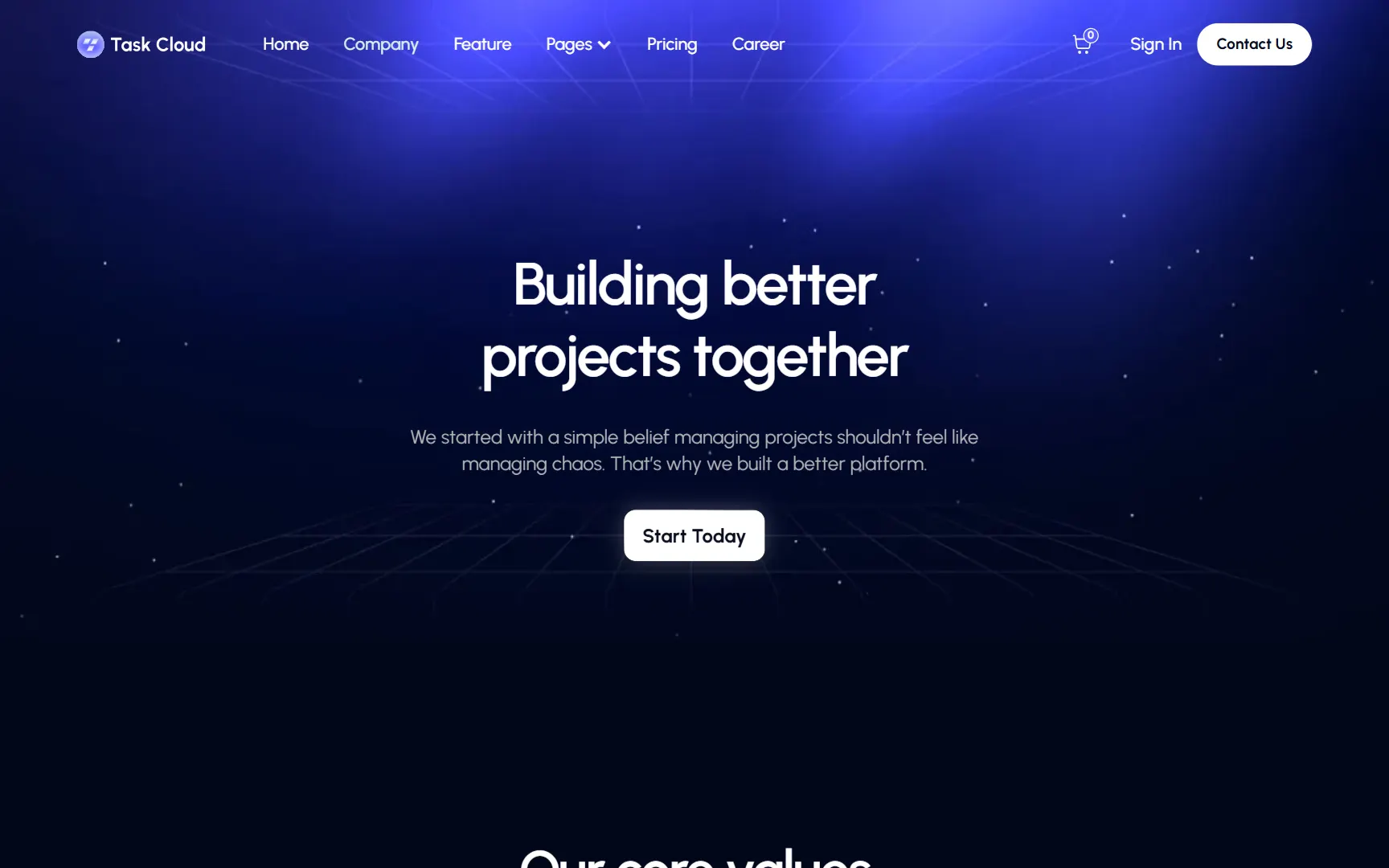
The About page explains why your product exists. It opens with your origin story, then six core value cards (Simplicity First, Collaboration at the Core, Innovation Without Limits, Transparency Builds Trust, Customer Success, Security You Can Rely On) and a team slider with photos, roles and short bios.
Pricing and Plan Pages for Your SaaS Tiers
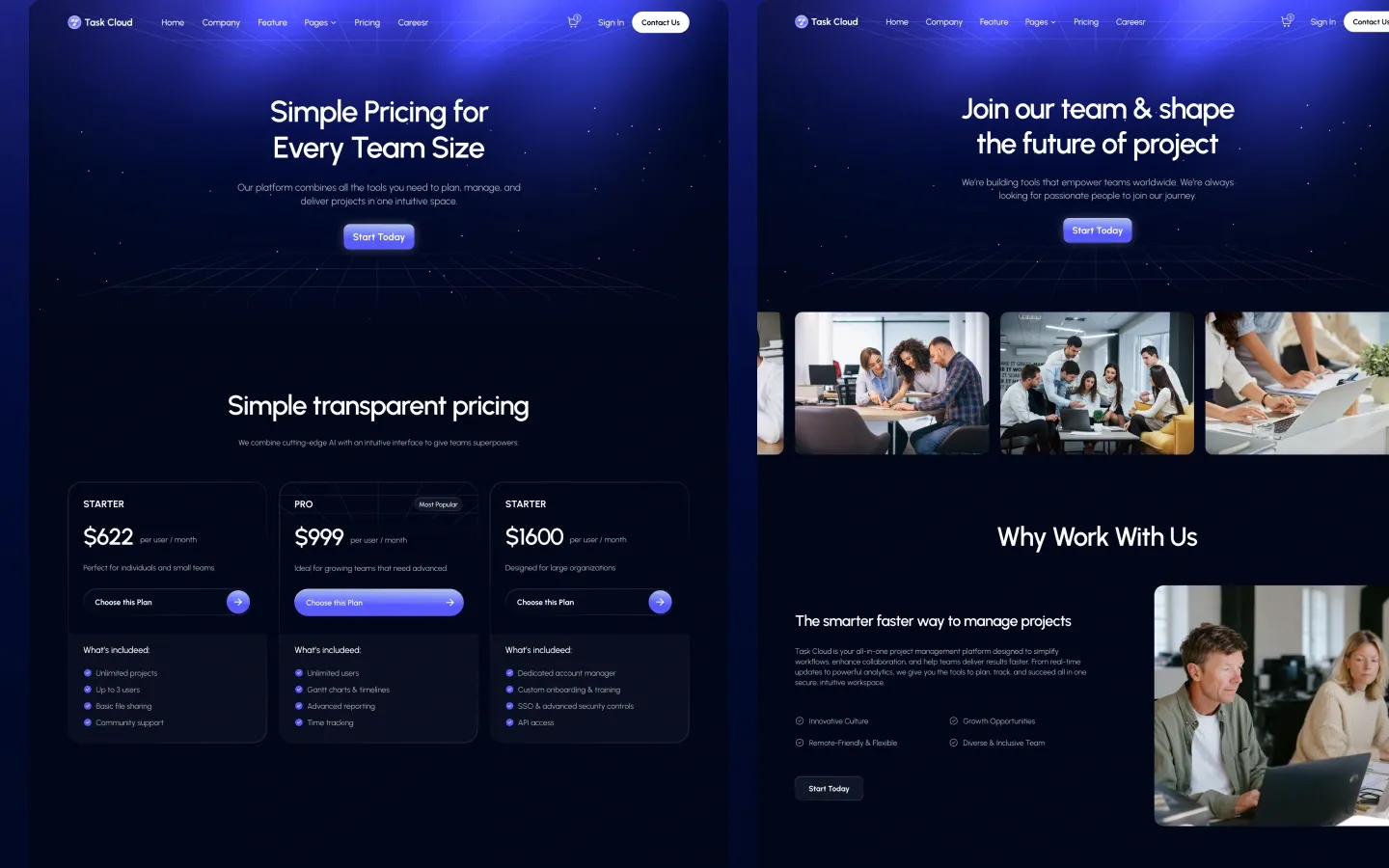
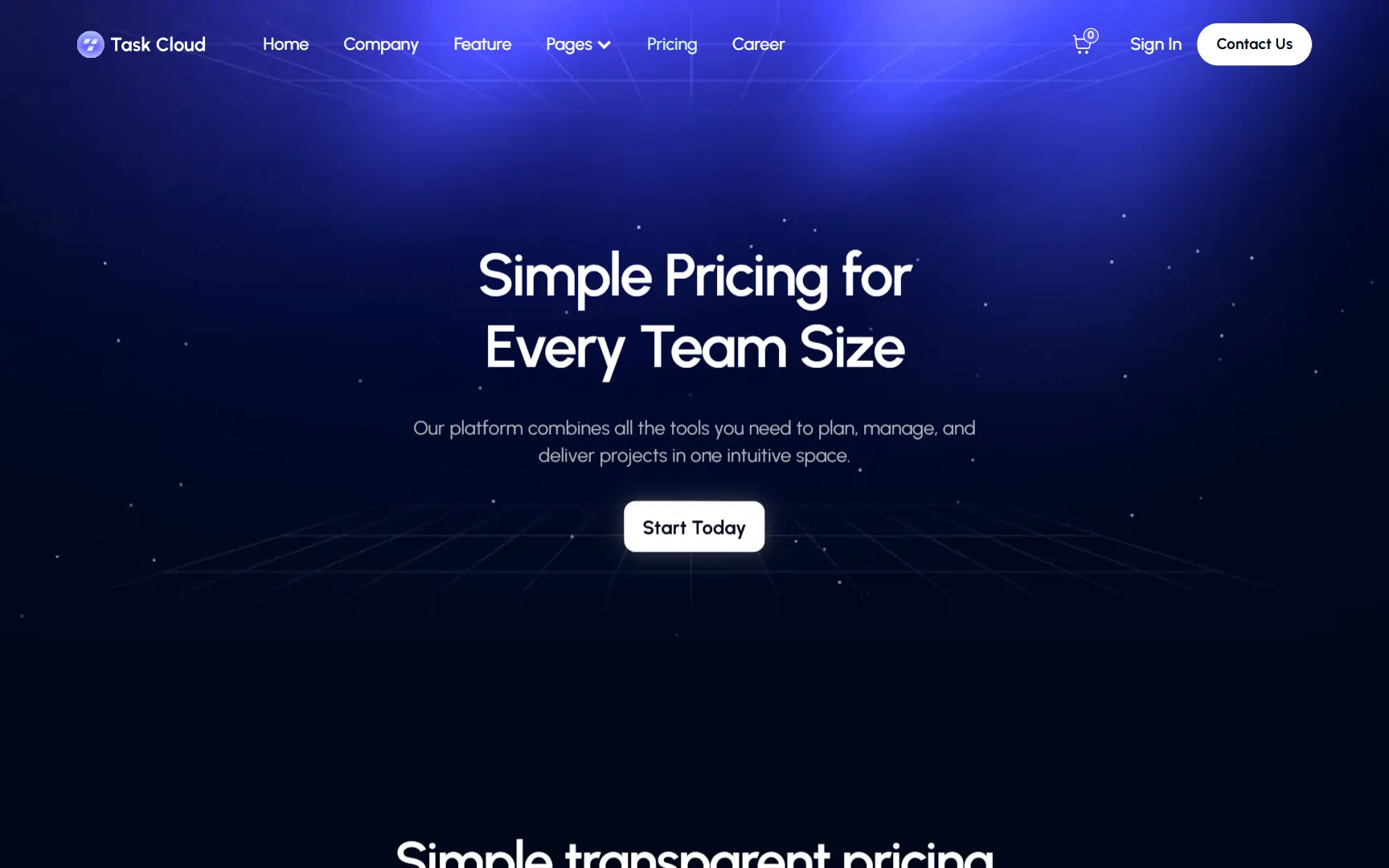
The Pricing page shows three plan cards (Starter, Pro and Enterprise) with a short description, an included-features list and a call-to-action button, with a Most Popular badge on the middle plan.
Every plan has its own Pricing Single page with a Why Choose section, an About the Plan block and a short FAQ. The plans are set up as Webflow Ecommerce products and connect to the Checkout and Order Confirmation pages. All plan names, prices and features are sample content, so replace them with your own tiers before you publish.
[IMAGE: Task Cloud pricing page and career page (Image 4)]
A CMS Blog for Productivity Content
The Blog page opens with a featured story, then a Latest Articles grid with category tags such as Productivity, Industry Trends, Remote Work and SaaS Tools. Each post opens a clean Blog Single page. Seven sample posts on project management and remote teamwork are included, ready to replace with your own.
Career Pages for a Growing SaaS Team
The Career page shares why people should join, four culture highlights and an Open Positions list with location and work type. Each role opens a Career Single page with responsibilities, requirements, perks and a Job Details card for department, location, salary and work type. Roles live in the Webflow CMS, so new openings take minutes to post.
A Contact Page That Routes Every Request
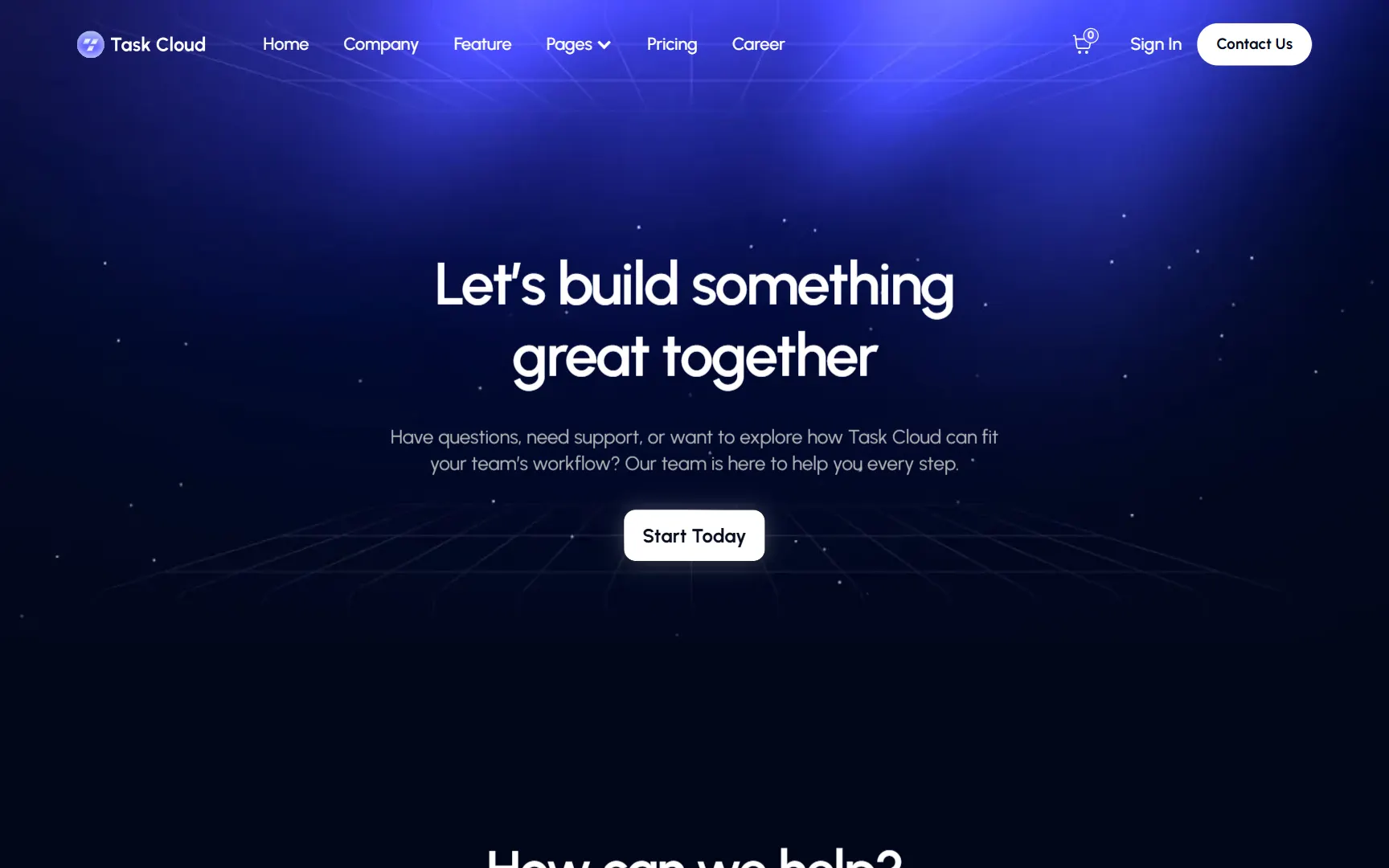
The Contact page starts with four help cards (Product Support, Sales Inquiry, Partnerships and General Questions), each with its own button, so visitors pick the right path first. Below that is a contact form with name, email, phone and message fields, alternate contact details, a What We Do list and a short FAQ.
Product Launch Pages Ready to Go
Most SaaS templates stop at marketing pages. Task Cloud also includes the pages you need on launch day:
- Login and Sign Up pages with clean, branded forms
- Download page with sign-up and app download buttons, which also works as an app landing page template for campaigns
- Coming Soon page with an email capture form
- Request Early Access page for a waitlist before launch
Connect the forms to your own app or waitlist tool when you go live.
[IMAGE: Task Cloud login page and early access page (Image 5)]
Legal and Utility Pages Included
Task Cloud includes ready-made Privacy Policy, Terms & Conditions and Cookie Policy pages, plus a Style Guide, a License page, a Changelog, a custom 404 page and a Password page. Replace the sample legal text with your own reviewed policies before launch.
A Dark, Corporate Design System
Task Cloud uses a dark, professional style system that suits B2B software.
Both fonts are free Google Fonts. Colors are stored as Webflow variables, and the Style Guide page shows every style in one place, so one change updates all 28 pages.
Responsive on Every Screen
Every Task Cloud page is tuned for desktop, tablet and mobile. Feature cards and plan cards stack into one column, the menu collapses into a compact dropdown, and the login, sign up and contact forms stay easy to use on a phone.
[IMAGE: Task Cloud mobile views (Image 6)]
Who Task Cloud Is For
- Project management and task management startups launching their first full marketing site
- B2B SaaS companies that need a software company website template with integrations, careers and legal pages
- Productivity and collaboration tools for remote teams, agencies or developers
- Pre-launch products that want login, sign up, waitlist and coming soon pages from day one
- Agencies and freelancers building sites for SaaS clients
Looking for something else?
- Building an AI product such as a code or website generator? See Layrinth.
- Only need a one-page SaaS landing page? See Indexa.
- Launching a fintech or investing app? See Miclo.
What You Need in Webflow
- A Webflow account and Workspace to receive the template
- A CMS site plan to publish the Integrations, Blog and Careers collections on a custom domain
- An Ecommerce site plan if you want the plan products, cart and checkout pages to work live
- A Core Workspace plan or higher if you want to export the code
Note: the Login and Sign Up pages are designed pages. Connect them to your own app's sign-in system. Webflow templates start a new site and can't be added to an existing Webflow project.
Getting Started with Task Cloud
- Buy the template for $129. The Figma file is included free.
- Open your Polar link and send the template to your Webflow Workspace.
- Set your brand by changing the color variables and logo on the Style Guide page.
- Rewrite the product story: hero, benefit cards, features and testimonials.
- Add your integrations, blog posts and roles in the CMS.
- Replace the plans with your own tiers, and link Login and Sign Up to your app.
- Choose a site plan, connect your domain and publish.
Full Page List (28 Pages)
Launch Your Project Management Product with Task Cloud
Give your software a site that looks as organized as the product itself. Task Cloud is a complete project management website template for Webflow, with 28 pages, CMS integrations, blog and careers, plan pages, launch pages and a free Figma file, all designed and built by Flownix.
Pages Included
- Homepage
- Features
- Blogs
- Blog Single (CMS)
- Pricing
- Pricing Single (E-com)
- Career
- Career Single (CMS)
- Integrations
- Integrations Single (CMS)
- Contact
- Request Early Access
- Download
Single Use License
Can only be used by you or one client for one end product. You cannot resell or redistribute this template in its original or modified state.
Flownix supports this template
Questions about this template? Just reach out to the template designer and they will get back to you within 2 business days.
For advanced design guidance, please share your questions in the Webflow Forum or reach out to a Webflow Partner.
What is Task Cloud?
Task Cloud is a dark project management website template for Webflow, designed and built by Flownix. It includes 28 pages with features, CMS integrations, pricing plans, a blog, careers, legal pages and product launch pages such as login and sign up.
Is this a project plan template or a website template?
It is a website template. Task Cloud is the marketing site for project management software, built in Webflow, not a spreadsheet or workspace for planning a project.
Can other SaaS products use Task Cloud?
Yes. The structure works as a software company website template for any B2B tool, such as CRM, help desk or collaboration software. Rewrite the hero, features and integrations to fit your product.
Do the Login and Sign Up pages work?
They are fully designed pages with forms. Connect them to your own app's authentication when you launch.
Do I need to know how to code?
No. You edit text, images and colors in the Webflow Designer, and integrations, posts and roles are managed in the Webflow CMS.
Which Webflow site plan do I need?
A CMS site plan publishes the CMS collections on your domain. If you want the plan products, cart and checkout pages to work live, choose an Ecommerce site plan.
Is the Figma file included?
Yes. The Figma file is free with the template.
How do I get the template after buying?
You receive a Polar link that sends the template to your Webflow Workspace, ready to open in the Designer.
Can I change the pricing plans?
Yes. The plan names, prices and features are sample content. Replace them with your own tiers before you publish.
Task Cloud - Technology Website Template
Task Cloud – Revolutionize your workflow with AI-powered project management. Designed to boost productivity, streamline collaboration, and keep teams aligned, Task Cloud helps you manage projects smarter, faster, and with complete efficiency.
Why Flownix
You can pick a launch-ready template and go live right away, get it customized in 1-3 days, or let us build a complete Webflow website from scratch. Whatever your business needs, Flownix makes building on Webflow simple and efficient.



Frequently Asked Questions
Yes, of course. You can purchase an individual template to build one website.
If you need more than one website, you'll have to purchase every template separately. That’s because every template comes with its own license to use.
In that case, you can choose one of our bundles that suits you best. With our bundles, you can use several templates to build as many websites as you need with one license.
Yes, we do. If you buy our Yearly Webflow Template Bundle, you get every new template we release for one full year.
If you buy the Lifetime Webflow Template Bundle, you get every new template we release forever (along with all their updates).
Either way, we never push updates into a site you’ve already built, so your live site stays exactly the way you left it.
Absolutely. You can edit the layouts, colors, fonts, images, and other elements directly in the Webflow Designer. We use organized classes, Webflow variables, and CMS collections to make the process easier for you.
If you would rather have us do it, our Webflow Template Customization Service starts at $149.
Yes, you can. Since every template is also sold on its own, you’ll be fine with it as long as you need just one website.
If you think you’ll need more than one sooner or later, our bundles are the better deal.
You get access to our whole Webflow template collection for about what two or three single templates would cost. That means it saves you a lot in the long run.
It’s simple - you can either click “Buy Now” on any template or open the template’s “Details" page and click the “Purchase” button. Either way, you’ll go straight to the “Checkout” page. You can then complete your payment there and get instant access to your template.
A free Webflow account is enough to open and edit a template. If you want to publish your website on your own domain, you’ll need a paid Site Plan. If your preferred template has CMS features like blogs or project listings, make sure you choose a plan that supports the CMS features you need.
Yes, definitely. Our webflow HTML website templates are designed for desktop, tablet, and mobile screens. You can check how each one looks on different devices using the Live Preview feature. We recommend that you open the preview on your phone too so you can see how it feels to browse.
Yes, you can. If you own both templates, you can copy sections from one template and paste them into another. You may need to adjust some styles or settings to get everything looking right, but it’s a great way to create the best layout for your needs. If you get stuck along the way, we're here to help with the customization too.
No worries. Feel free to send us the template link and let us know what you’d like to add. We can design and build a new section that matches the rest of your website through ourWebflow Template Customization Service.
Success Stories
Here's what designers, agencies, and businesses think about their experience with Flownix.

Exactly what I needed
I wanted something clean and simple for my business. This template had pretty much everything I needed, and making changes was easier than I expected.

Launched in two days
I bought a template on Monday and our site was live by Wednesday. Everything was well organized, so I only had to change the text and images.

Really easy to customize
The design looked great already, but I wanted to make it feel more like our brand. Changing colors, fonts, and sections was pretty straightforward.

Would definitely use again
Loved how simple everything was. The design feels modern without being too much, and updating content is easy. Already considering another template for my next project.

Made our launch easier
We were on a pretty tight schedule and needed a website quickly. The template saved us a lot of work, and we managed to launch right on time.




So easy to customize!
The attention to detail in every template is impressive. Smooth animations, clean layouts, and flexible components made the entire customization process simple and enjoyable.
So easy to customize!
The attention to detail in every template is impressive. Smooth animations, clean layouts, and flexible components made the entire customization process simple and enjoyable.
So easy to customize!
The attention to detail in every template is impressive. Smooth animations, clean layouts, and flexible components made the entire customization process simple and enjoyable.
So easy to customize!
The attention to detail in every template is impressive. Smooth animations, clean layouts, and flexible components made the entire customization process simple and enjoyable.
So easy to customize!
The attention to detail in every template is impressive. Smooth animations, clean layouts, and flexible components made the entire customization process simple and enjoyable.


Experience the Power of Ready-to-Launch Webflow Templates with Flownix
You can pick a pre-made Webflow template to launch your website right away, get help with complete customization, or build a website designed specifically for your brand.